
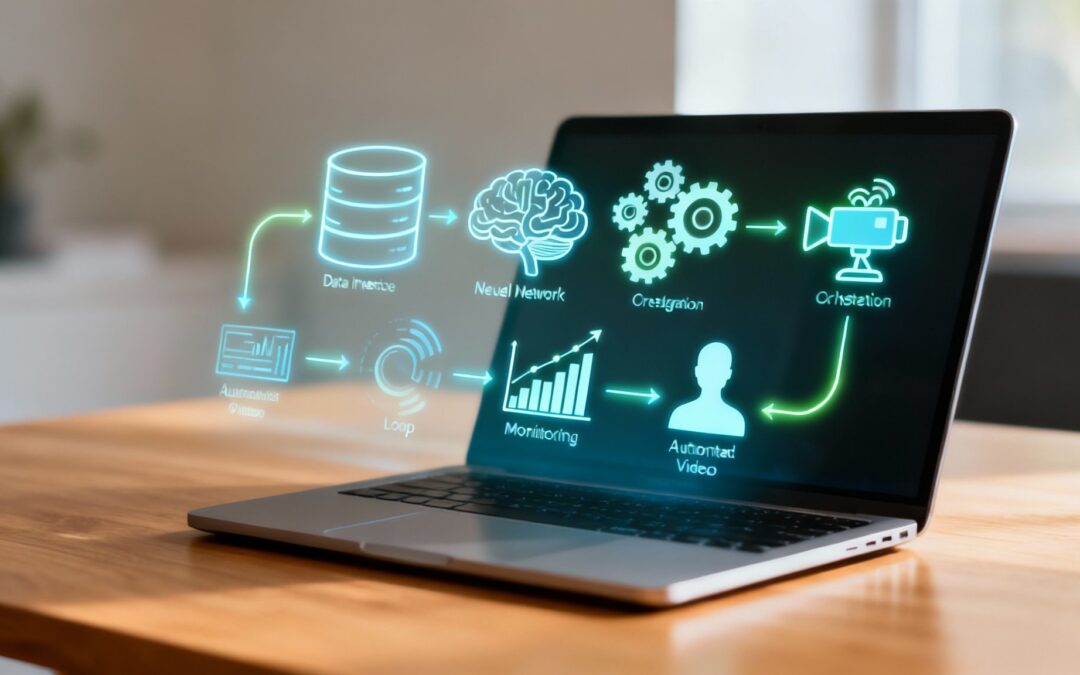
AI workflows are not just about speeding up tasks; they are about replacing fragmented, manual processes with intelligent, end-to-end systems. For communication, this means swapping clunky video projects for automated, data-driven video creation. It’s how producing thousands of personalized videos becomes a completely hands-off operation.
The Old Way vs. The New Way
Think about the traditional process for creating a welcome video for a new customer. It starts with a manual handoff from sales to marketing. A project manager assigns the task, a video editor hunts for customer details in the CRM, customizes a generic template, sends it for approval, and finally, days later, the video is emailed to the client.
This is a classic fragmented workflow: a clumsy chain of different people, tools, and manual edits.
AI-powered video workflows replace this entire chain. The goal is no longer to complete a manual task faster but to design an automated communication engine where video is the output.

Fragmented Workflows vs. AI-Powered Video Workflows
Fragmented workflows are defined by manual handoffs, disconnected tools, and repetitive edits. Each video is a one-off project that consumes time and resources.
In contrast, an AI-powered video workflow is a unified system that operates on its own.
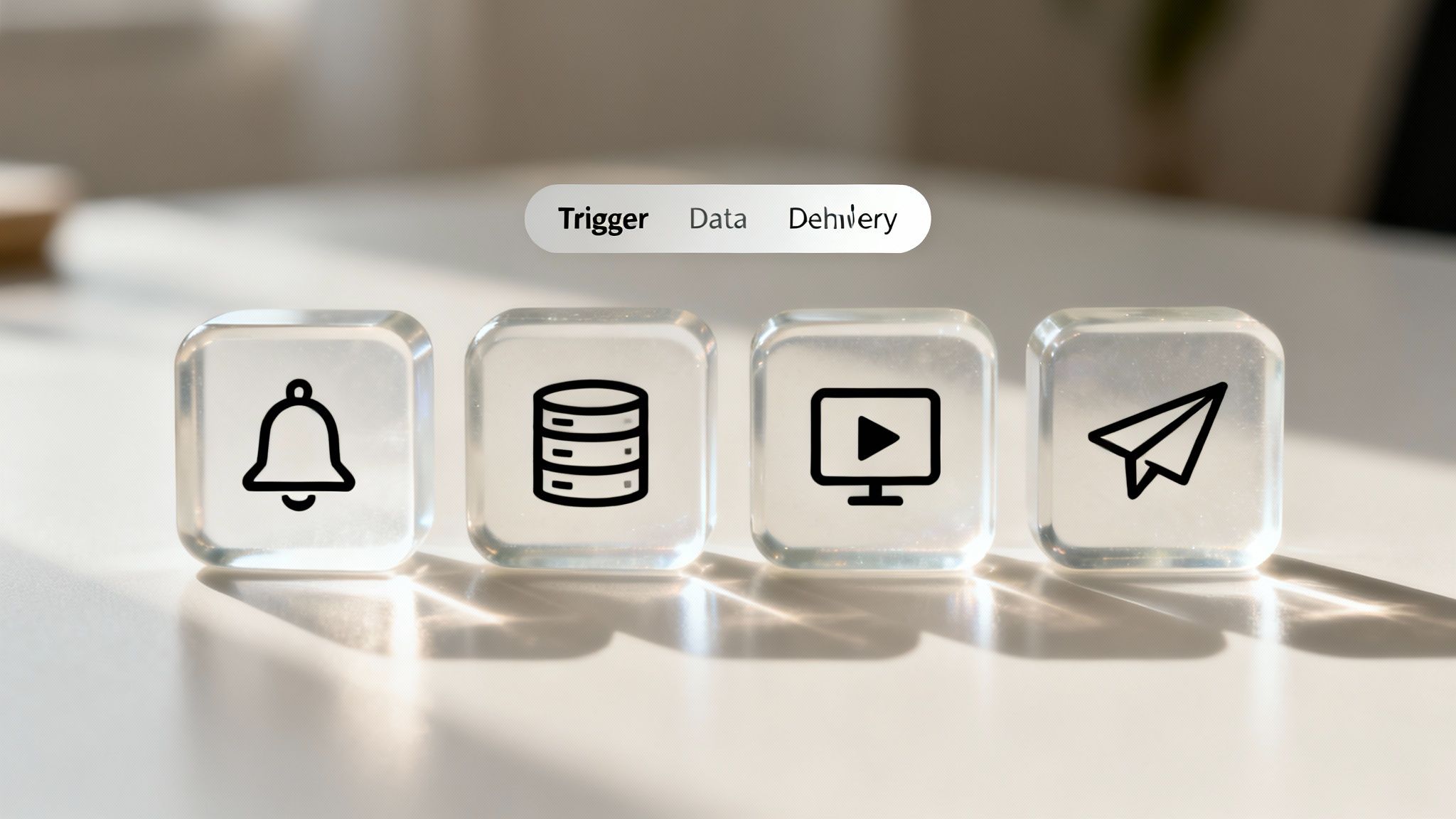
- It uses triggers: An event in one system (like a CRM update) automatically starts the process.
- It uses data: The system pulls necessary information (like a customer’s name or purchase history) without manual lookups.
- It uses templates: AI dynamically personalizes a pre-approved video template with the data it just fetched.
- It delivers automatically: The final, personalized video is sent through the right channel without anyone hitting “send.”
The key takeaway is this: AI workflows reach their full potential only when video becomes an automated output, not a manual task.
Real-World AI Video Workflows in Action
Let’s move away from abstract concepts and look at practical, video-centric workflows that replace manual communication with automated, data-driven systems.
CRM-Triggered Personalized Videos
Instead of a generic welcome email, imagine a new customer receiving a personalized video moments after their deal is marked “Closed-Won” in your CRM.
- Trigger: Lead status changes in Salesforce or HubSpot.
- Action: The system generates a video featuring the customer’s name, company, and their account manager’s contact details.
- Result: A powerful first impression that feels personal and immediate, all without manual coordination.
Automated Onboarding and Training Video Flows
Employee or customer onboarding often involves a flood of documents and generic emails. An AI workflow turns it into a guided, personalized video journey.
- Trigger: A new user is added to your HR system or customer portal.
- Action: A sequence of videos is automatically scheduled. Day one might be a welcome video. Day two could be a tutorial on a key feature they need to use.
- Result: New users get the right information at the right time, reducing confusion and accelerating their time-to-value.
Sales Follow-Up Videos Generated After Key Interactions
Generic follow-up emails after a demo are easily ignored. An automated, personalized video recap is not.
- Trigger: A calendar event for a “Product Demo” concludes.
- Action: A video is instantly created summarizing the key features discussed, personalized with the prospect’s name and company.
- Result: The sales team reinforces value and stays top-of-mind with a memorable, relevant follow-up that required zero production time.

Performance or Status Updates Delivered as Recurring Videos
Reporting often means manually pulling data into spreadsheets and slide decks. An AI workflow automates this, delivering key metrics in a digestible video format.
- Trigger: A recurring date, like the first of every month.
- Action: The system connects to your analytics tool, pulls performance data, and generates a video report with animated charts and key takeaways.
- Result: Stakeholders receive consistent, easy-to-understand updates automatically, freeing up your team from tedious manual reporting.
Retention and Reactivation Video Journeys
When a customer goes dormant, an AI workflow can proactively re-engage them with a personal touch.
- Trigger: A customer’s activity status changes to “Inactive” after 60 days.
- Action: A personalized video is generated showcasing new features relevant to their past usage, saying, “Hi [Name], we miss you! Here’s what’s new.”
- Result: A targeted, automated effort to win back at-risk customers, turning a reactive problem into a proactive solution.
These examples highlight a fundamental shift. Instead of your team spending time making videos, they spend time designing the systems that make videos. Platforms like Wideo’s Video Automation are built to make this possible, connecting data sources to video templates to scale personalized communication without scaling workload. This is how you transform one-off campaigns into an always-on communication engine.
The Operational Shift: From Manual Grind to Automated System
Implementing AI video workflows is less about technology and more about a change in mindset. You move from a project-based approach to a systems-based one. The table below illustrates this operational shift.
Manual Efforts vs. Automated AI Video Workflows
| Operational Stage | Fragmented Manual Workflow (The Old Way) | Integrated AI Video Workflow (The New Way) |
|---|---|---|
| Initiation | Manual request or notification. | Automated trigger from a data source (e.g., CRM). |
| Data Gathering | Team member manually pulls customer data. | System automatically fetches relevant data points. |
| Production | Video editor spends hours customizing a template. | AI instantly personalizes a pre-designed template. |
| Review | Requires internal approval cycles, causing delays. | Output is consistent and pre-approved by design. |
| Distribution | Manually uploaded and shared via email or socials. | Automatically delivered through integrated channels. |
| Scalability | Extremely limited. Each video adds to the workload. | Virtually infinite. Thousands of videos are no problem. |
This move away from manual labor is what truly unlocks scale. An AI video generator isn’t just a tool for making one video faster; it’s the engine inside an automated workflow that can produce thousands of unique videos for sales, customer success, and marketing without adding a single task to your team’s to-do list.
Your First Steps Toward Automated Video
Ready to move from theory to practice? Building your first AI video workflow doesn’t have to be complex. Start small, prove the concept, and scale from there.
A 5-Step Launch Plan
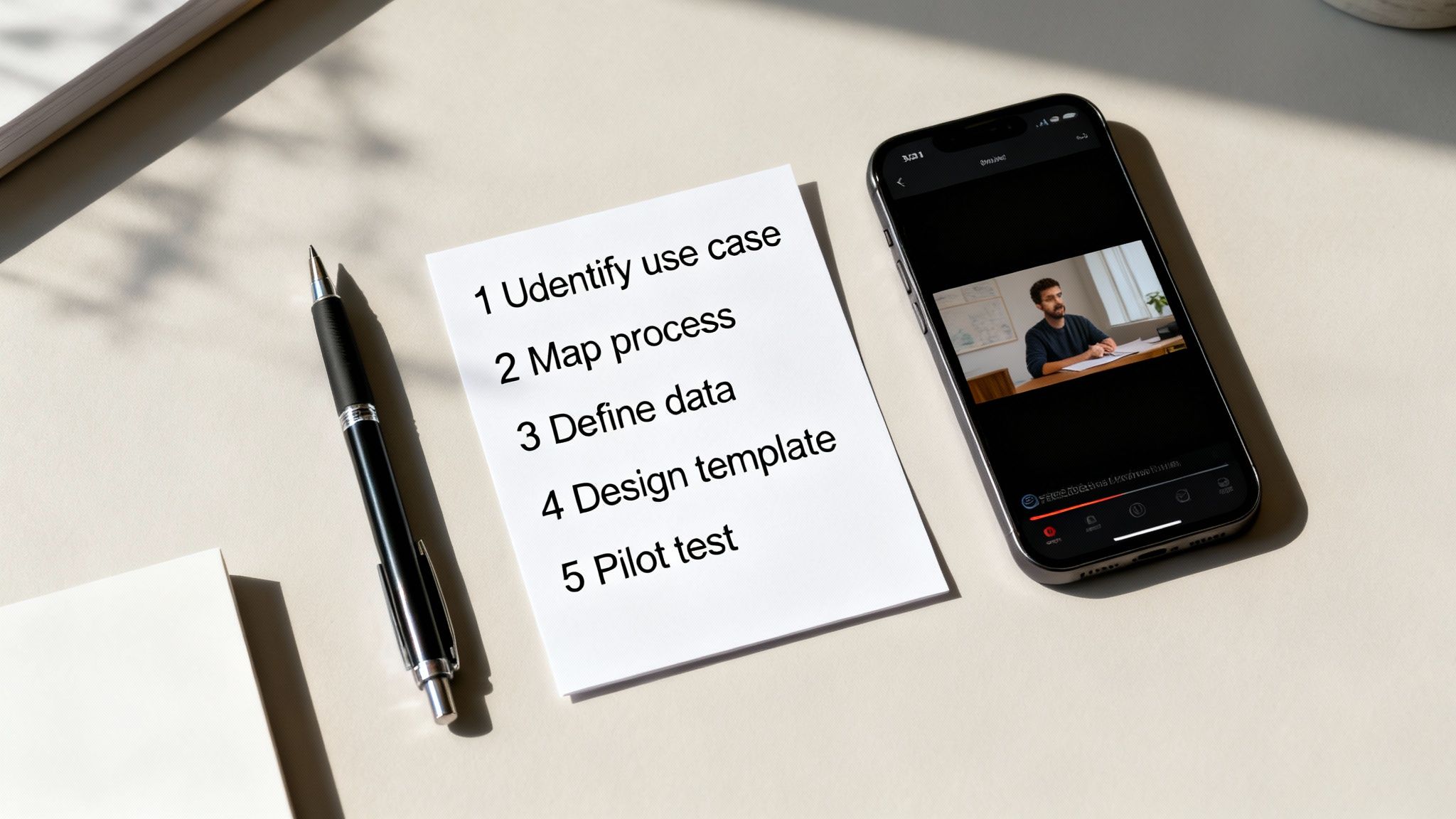
- Pick a High-Impact, Low-Effort Use Case. Don’t start with your most complex process. Choose a simple, valuable touchpoint, like a welcome video for new customers or a follow-up after a webinar.
- Map Your Current Manual Process. Whiteboard every step. Who does what? Where does the data come from? This will reveal the bottlenecks and manual handoffs ripe for automation.
- Define Your Trigger and Data Points. Be specific. What single event kicks off the workflow (e.g., a form submission)? What data points are essential (e.g.,
FirstName,CompanyName)? Ensure this data is clean and reliable in your source system. - Design a Flexible Video Template. Create one master video with clear placeholders for your dynamic data. The goal is a professional, consistent template that works for hundreds of variations, not a unique artistic creation each time.
- Choose Your Platform and Run a Pilot. Select a tool built for video automation. Connect your data source and run the workflow for a small, controlled group. Measure the results, gather feedback, and refine the process before scaling up.
The future of business communication isn’t about more manual effort; it’s about building smarter systems. By embracing AI workflows where video is the automated output, you can deliver personalized experiences at a scale that was previously impossible. This isn’t just a productivity hack—it’s a strategic advantage. It’s a great example of AI being used for content creation to help businesses connect with their audience at scale, moving beyond simple personalized video to full communication automation. You can even explore advanced in-market automotive chatbot solutions or review detailed AI workflow statistics to see the broader impact.
Ready to swap out manual video production for smart, data-driven communication? See how Wideo can help you build your first automated video workflow and scale your personalization efforts without burying your team in extra work. Learn more and get started today.
Related posts:
 A Practical Guide to AI Security for Your Business
 AI Productivity Isn’t About Speed. It’s About Eliminating Work.
 Your AI Analytics Are Smart. But Are They Understood?
 AI Integration A Practical Guide for Business Growth
 Ai data processing: Practical strategies for pipelines, tools, and compliance
 Unlocking AI Performance in Modern Video Creation


